
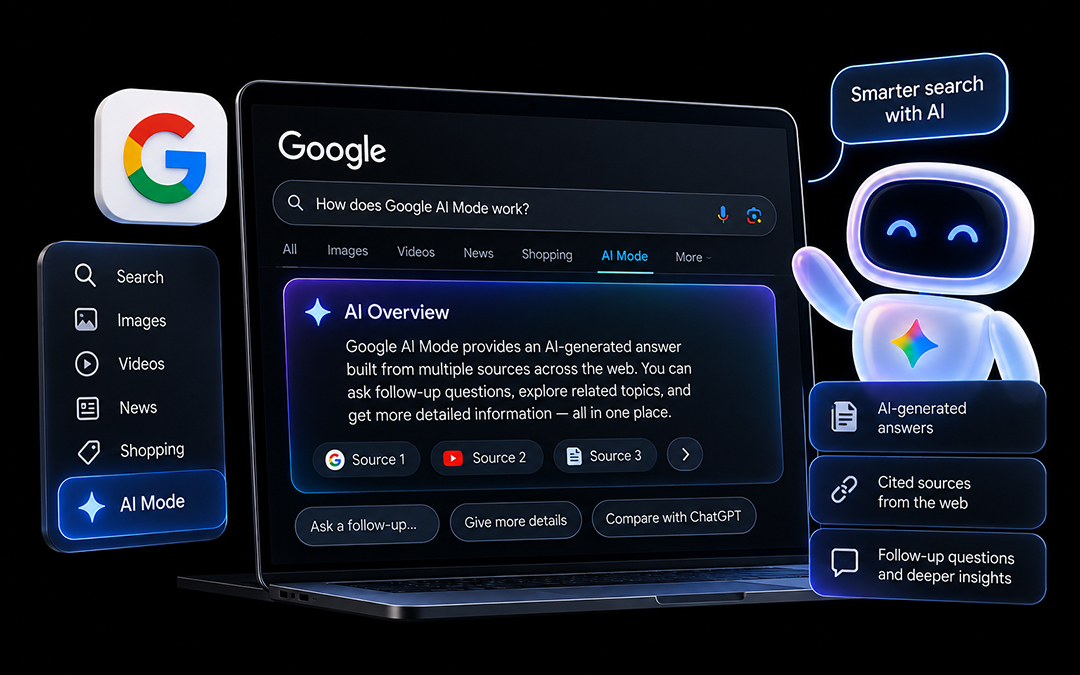
Search is changing shape. Google has rolled out its biggest shift to how results are delivered since the days of featured snippets, and at the center of it is a new experience called AI Mode. This guide breaks down what Google AI Mode actually is, how it differs from Gemini, how to turn it on or off, what it means for SEO, and how it stacks up against tools like ChatGPT.
What Is Google AI Mode?
Google AI Mode is a search experience that replaces the familiar list of ten blue links with a single, AI-generated answer built from multiple sources across the web. Powered by Gemini, it appears as its own tab inside Google Search, sitting alongside the usual Web, Images, and News tabs.
Instead of scanning through separate results pages, users type a query and receive a structured, multi-paragraph response pulled together from numerous websites, complete with source citations. From there, the conversation can continue — users can ask follow-up questions, request more detail, or dig into related sub-topics without starting a new search from scratch. That back-and-forth is what really sets AI Mode apart from a standard results page.
AI Mode can be turned on through Google Labs for people who want early access, and it’s gradually becoming a default tab in supported regions. It’s also making its way into the Chrome browser’s address bar as part of Chrome’s built-in AI features.
Beyond answering simple questions, AI Mode is built to handle far more complex tasks — comparing products with live pricing, pulling in local business details through Maps, and, through its Deep Search feature, producing something close to a full research report for more involved queries.
Is Google AI Mode the Same as Gemini?
Not quite — though the two are closely connected. Gemini refers to Google’s underlying family of AI models, the technology doing the reasoning and generating behind the scenes. AI Mode, on the other hand, is the search interface itself, built directly into Google Search and using Gemini as its engine.
The difference matters in practice. Gemini’s own site functions as a standalone AI assistant, similar in spirit to ChatGPT — a place for open-ended conversations, content generation, or general productivity help. AI Mode lives inside the search experience people already use daily, activating the moment someone runs a query. Same underlying intelligence, different job.
A simple way to think about it: Gemini is the engine, and AI Mode is one of the products it powers — much like Android runs on Google’s software but is a separate product from Search itself.
Traditional Search vs AI Mode
| Aspect | Traditional Search | Google AI Mode |
|---|---|---|
| Result format | Ranked list of links with snippets | AI-generated answer with cited sources |
| Interaction | One query, one results page | Conversational, multi-turn follow-ups |
| User behavior | Clicks through to individual pages | Reads the answer inline; source links are secondary |
| Shopping | Separate tab or sidebar | Product carousels built into the response |
| Research | Manual, page-by-page | Deep Search pulls from dozens of sources at once |
| SEO visibility | Ranking position drives traffic | Being cited as a source matters more than rank |
| Ads | Top/bottom of results page | Integrated within and alongside the AI answer |
The practical impact is significant. For informational searches, AI Mode tends to answer the question without sending a click to any single website. For commercial searches, though, the built-in Shopping and Ads placements open up new ways for well-optimized product pages to get seen.
How to Access Google AI Mode
- Through Google Labs
— Head to labs.google.com, sign in, find the AI Mode experiment, and switch it on. Once active, an AI Mode tab shows up in Google Search. - As a default tab
— In regions where the rollout is complete, AI Mode appears automatically with no setup required. - Inside Chrome
— Through Chrome’s settings, under AI or experimental features, users can enable AI-powered suggestions in the address bar that route through AI Mode. This rollout is staggered, so not every Chrome version has it yet.
Access generally depends on account region, sign-in status, and app version — Google One subscribers and certain Workspace accounts tend to get early access.
10 Things You Need to Know
- Core features.
AI Mode delivers a Gemini-built answer sourced from a live web search, with citations, follow-up capability, and an optional Deep Search mode for harder questions. It behaves more like a research assistant than a traditional search box. - AI Mode vs ChatGPT.
Both use large language models, but AI Mode is search-native and grounded in real-time web data, while ChatGPT is a general-purpose assistant that leans on browsing as an add-on rather than a default. AI Mode integrates Maps and Shopping directly; ChatGPT tends to edge ahead on long-form writing and code generation. - Deep Search.
This is AI Mode’s most powerful tool — it breaks a complex question into smaller parts, researches each one, checks for consistency across sources, and produces a long, structured answer with many citations. It’s the feature most likely to reshape how long-form content gets traffic. - Shopping integration.
Product-related searches now pull in live pricing, ratings, and merchant details straight into the AI response, powered by Merchant Center data — meaning shopping comparisons increasingly happen inside the answer itself rather than on a separate page. - Ads.
Sponsored placements appear clearly labeled alongside AI-generated answers, and Shopping ads can show up within product carousels. The underlying auction system hasn’t changed, but where and how ads appear has. - Enabling it.
Turn it on through Google Labs, Chrome’s experimental AI settings, or automatically if your account already has access. - Turning it off.
Click the “All” tab for traditional results without disabling AI Mode entirely, or go back into Labs (or Chrome’s AI settings) to switch it off completely. Some Chrome updates can re-enable features, so it’s worth checking back occasionally. - Tracking it in Search Console.
There’s no dedicated AI Mode filter yet. The closest proxy is watching for rising impressions paired with flat or falling clicks on informational pages — a strong signal that AI Mode is answering the query before a click happens. - GA4 attribution.
AI Mode clicks generally get folded into standard Google/organic traffic in GA4, with no dedicated source dimension. Some sessions may even register as direct traffic if no referrer is passed. - Developer access.
There’s no public AI Mode API, but developers can tap into the same Gemini models through the Gemini API, and structured data implementation remains the best lever for improving citation chances.
Google AI Mode and SEO
What’s changing:
Click-through rates on purely informational content are likely to soften, since AI Mode can often answer the question without a visit. The new benchmark isn’t just ranking — it’s earning a citation, which still builds visibility even without a click. Structuring content for clear, direct answers matters more than ever, since that’s the format AI Mode tends to pull from.
What isn’t changing:
Trust and authority signals are still central. Google still favors well-structured, technically sound, fast-loading pages for citation, and link equity still plays a role in how sources get chosen. A site that’s still running on an outdated build or a slow, cluttered layout is going to struggle to earn citations no matter how good the writing is — which is where a proper web design company can make the technical foundation solid enough to compete.
AI-generated content:
Google has indicated that how content is produced matters less than whether it’s genuinely useful and accurate. Thin or generic AI-written content is exactly what tends to get passed over — original insight and clear expertise carry more weight than ever.
Adapting Your Strategy: 5 Priorities
- Optimize for citation.
Structure key pages to answer questions directly, use headings that mirror natural search phrasing, and add relevant schema markup (FAQ, HowTo, Article, Product). - Strengthen trust signals.
Real author credentials, original data, and credible outbound references all help establish the kind of authority AI Mode tends to reward. - Rethink your KPIs.
Clicks alone won’t capture the full picture anymore — start tracking brand mentions, citation frequency, and branded/direct traffic as signs of AI Mode visibility. - Prioritize commercial content.
Product and service pages are less disrupted by AI Mode since they still drive ad and Shopping placements — investing in structured product data pays off here. This is also a good time to revisit the underlying site itself; a Surrey website development refresh can improve the structured data and page speed that both traditional rankings and AI Mode citation depend on. - Build better measurement.
Combine Search Console trends, GA4 session data, brand monitoring, and manual query testing to get a fuller picture than any single tool can offer on its own.
AI Mode vs ChatGPT Comparison
| Capability | Google AI Mode | ChatGPT |
|---|---|---|
| Real-time web data | Built-in, always on | Optional browsing feature |
| Source citations | Included by default | Depends on browsing being active |
| Shopping/local integration | Native | Not available |
| Long-form writing | Functional | Stronger |
| Code generation | Functional | Stronger |
| Deep research | Deep Search | Separate Deep Research feature |
| Login required | No, within Search | Yes for full features |
| Image generation | Limited | Native (DALL-E) |
| Ads | Integrated | None |
| Cost | Free within Search | Free tier + paid plan |