
Learn Core Web Vitals
A website that people enjoy using keeps working for your business year after year. Whether you run the company, handle the marketing, or write the code, Web Vitals give you a practical way to put numbers on how your site feels to visitors and to see where it can get better.
Overview
Web Vitals is a Google initiative that brings the key signals of a good user experience together in one set of guidelines.
Over the years Google has released many tools and metrics for measuring performance. Some developers learned to use them all well. Many others found the sheer number of options hard to follow. Nobody running a website should need a performance engineering background just to know whether visitors are having a good time.
Web Vitals cuts through that clutter. It points site owners at the few metrics that matter most, known as the Core Web Vitals.
Core Web Vitals
Core Web Vitals are the part of Web Vitals that applies to every web page. All site owners should track them, and Google shows them across its tools. Each one covers a different side of the experience, can be measured from real visitors (the “field”), and reflects something users actually notice.
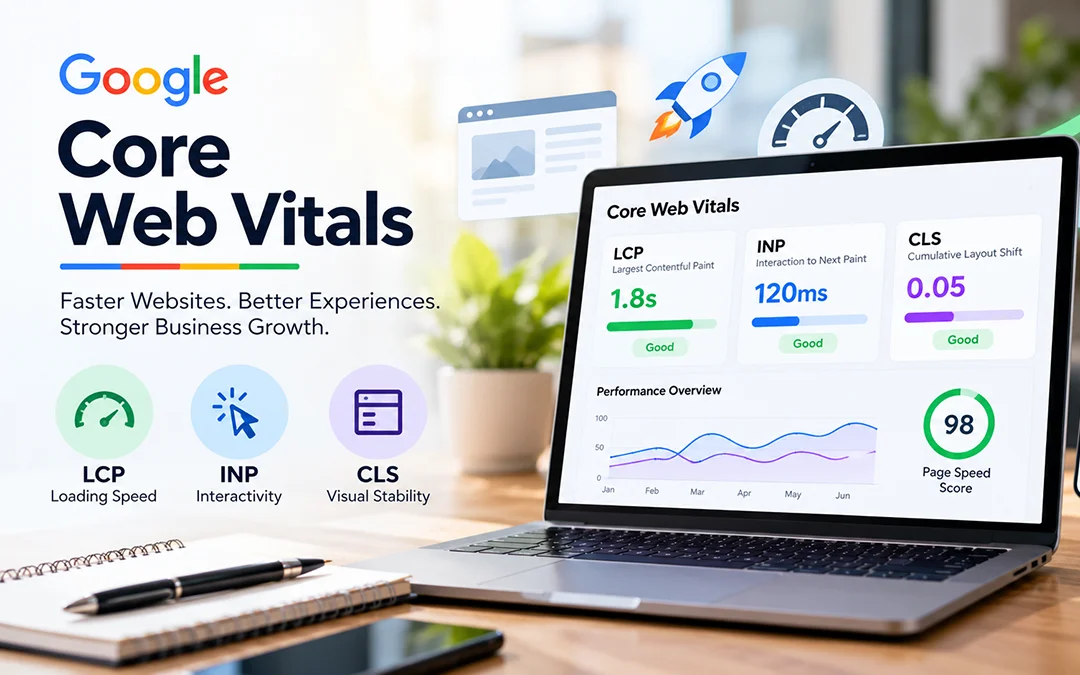
The list will change over time, as the section on how Web Vitals evolve explains. Today it covers three areas: loading, interactivity, and visual stability. The three metrics and their targets are:
- Largest Contentful Paint (LCP) is a metric for measuring loading speed. The content that is the largest on the page should be visible within 2.5 seconds of the page appearing.
- Interaction to Next Paint (INP) is a metric that indicates the responsiveness of the page. Try to keep it to 200ms or less.
- Cumulative Layout Shift (CLS) indicates visual stability: the amount of content that moves around during the loading of a page. Maintain at 0.1 or below.
The way to ensure that most people will have this experience is to view the 75 percent of your page loads, and to see mobile and desktop separately. A page is considered to pass the Core Web Vitals assessment when it meets the target at 75th percentile for all three metrics.
To find out how Google has come up with those thresholds, Google published its research on defining them.
Lifecycle
Every Core Web Vitals metric moves through three phases: experimental, pending, and stable. The phase tells developers how much weight to give a metric.
- Experimental metrics are candidates that may still change a lot as testing and community feedback come in.
- Pending metrics have passed that testing and have a clear timeline to becoming stable.
- Stable metrics are the ones Chrome currently treats as essential for a great experience.
Right now LCP, CLS, and INP are all stable.
Experimental
A new metric begins here. This phase tests whether the metric is a good fit. The team looks at the problem it is meant to solve and at what earlier metrics missed. INP is a good example. It started as an experiment because First Input Delay (FID) did not cover runtime responsiveness thoroughly enough.
This phase also leaves room to fix bugs and even rework the definition. Community feedback counts for the most at this stage.
Pending
Once the Chrome team decides a metric has enough feedback and has proven itself, it becomes pending. INP reached this stage in 2023, with the plan to eventually retire FID.
A metric stays pending for at least six months so the wider ecosystem can adjust. Feedback still matters here, since more developers start using the metric.
Stable
When a metric is finalized, it becomes stable and can officially be a Core Web Vital. Stable metrics are supported and maintained, and they may get bug fixes or definition updates. Changes to a stable Core Web Vital happen no more than once a year, and they are announced in the official documentation and the metric’s changelog.
Key point: Stable does not mean permanent. A stable metric can be replaced if a better one comes along. That is what happened to FID when INP became a stable Core Web Vital in 2024.
Tools to measure and report Core Web Vitals
Google considers Core Web Vitals essential to every web experience, so it is building them into all its major tools. Here is how they break down.
Field tools to measure Core Web Vitals
Chrome User Experience Report (CrUX) collects anonymous data from actual users for each Core Web Vital. The site owner can monitor site performance without having to add any tracking code.
CrUX also feeds Chrome DevTools, PageSpeed Insights, and the Core Web Vitals report in Search Console.
All four of these tools report LCP, INP, and CLS.
CrUX is a fast way to get a picture of a site’s health. It does not give the detailed, page-by-page data you need to diagnose problems and catch regressions quickly. For that reason, we strongly recommend setting up your own real-user monitoring.
Measure Core Web Vitals in JavaScript
All three metrics can be measured in JavaScript using standard web APIs. This is because there are differences in the way that numbers are collected, and CrUX provides a different source.
The easiest one is the open-source web-vitals JavaScript library. It is compact, available for production, and deals the underlying APIs in a way that matches the measurements that Google's tools report. Each metric takes a single function call:
import {onCLS, onINP, onLCP} from ‘web-vitals’;
function sendToAnalytics(metric) {
const body = JSON.stringify(metric);
// Use `navigator.sendBeacon()` if available, falling back to `fetch()`.
(navigator.sendBeacon && navigator.sendBeacon(‘/analytics’, body)) ||
fetch(‘/analytics’, {body, method: ‘POST’, keepalive: true});
}
onCLS(sendToAnalytics);
onINP(sendToAnalytics);
onLCP(sendToAnalytics);
After the data reaches your analytics endpoint, the next step is to combine it and check whether at least 75% of page visits meet the targets. Some analytics platforms support Core Web Vitals out of the box. Those that don’t usually have custom metric features that let you track them anyway.
For those who want to use the browser APIs directly, there are individual guides to measuring LCP, INP and CLS in JavaScript. See the best practices for measuring Web Vitals in the field for tips on popular analytics services or in-house setups.
Lab tools to measure Core Web Vitals
Core Web Vitals are field metrics first, but many can also be tested in a controlled lab setting. Lab testing is the best way to check new features before release and to stop performance regressions before users ever see them.
Chrome DevTools measures all three metrics in the lab. Lighthouse measures LCP and CLS, but it cannot measure INP.
Lighthouse loads pages in a simulated environment with no real user, so there is no input to measure. Total Blocking Time (TBT) works as a stand-in. It can be measured in the lab, and improvements to TBT often improve INP in the real world too.
Lab testing is valuable, but it can’t replace field data. Real performance varies with the visitor’s device, network, other apps running in the background, and how they actually use the page. Each of these Core Web Vitals scores can be impacted by user interactions, and only field measurement provides a comprehensive view.
Recommendations for improving your scores
Google has specific guides to optimizing each of the metrics: LCP, INP, and CLS. There are multiple factors that can influence Core Web Vitals, and these can have varying degrees of impact, relevance and effort for your site. For a short list of the highest-value fixes, look at the Chrome team’s guide to the most effective ways to improve Core Web Vitals.
Other Web Vitals
The Core Web Vitals are the main measures of a good user experience, but other metrics support them. These can be used as a main metric or for details, to get a better view of the experience or help with tracking a specific problem.
For instance, Time to First Byte (TTFB) and First Contentful Paint (FCP) are two of them. Both are about the loading experience and both help to understand a sub-optimal LCP score. TTF is a metric for slow server response time and FCP measures render-blocking resources.
Total Blocking Time (TBT) is a lab metric that helps you spot interactivity problems affecting INP. It is not a Core Web Vital because it can’t be measured in the field and doesn’t directly reflect what a user experiences.
Changes to Web Vitals
Web Vitals are the best signals available today for judging quality of experience across the web, but they are not perfect. Expect improvements and additions in the future.
Core Web Vitals apply to every page and appear throughout Google’s tools, so changes to them affect a lot of people. Developers can count on stable definitions and thresholds, and any update comes with advance notice on a predictable yearly schedule.
The other Web Vitals are often tied to a specific context or tool and tend to be more experimental. Their definitions and thresholds may change more often.
Every change to any Web Vital is recorded in Google’s public changelog.